Download
Getting started
- Download and install TonePath FX.
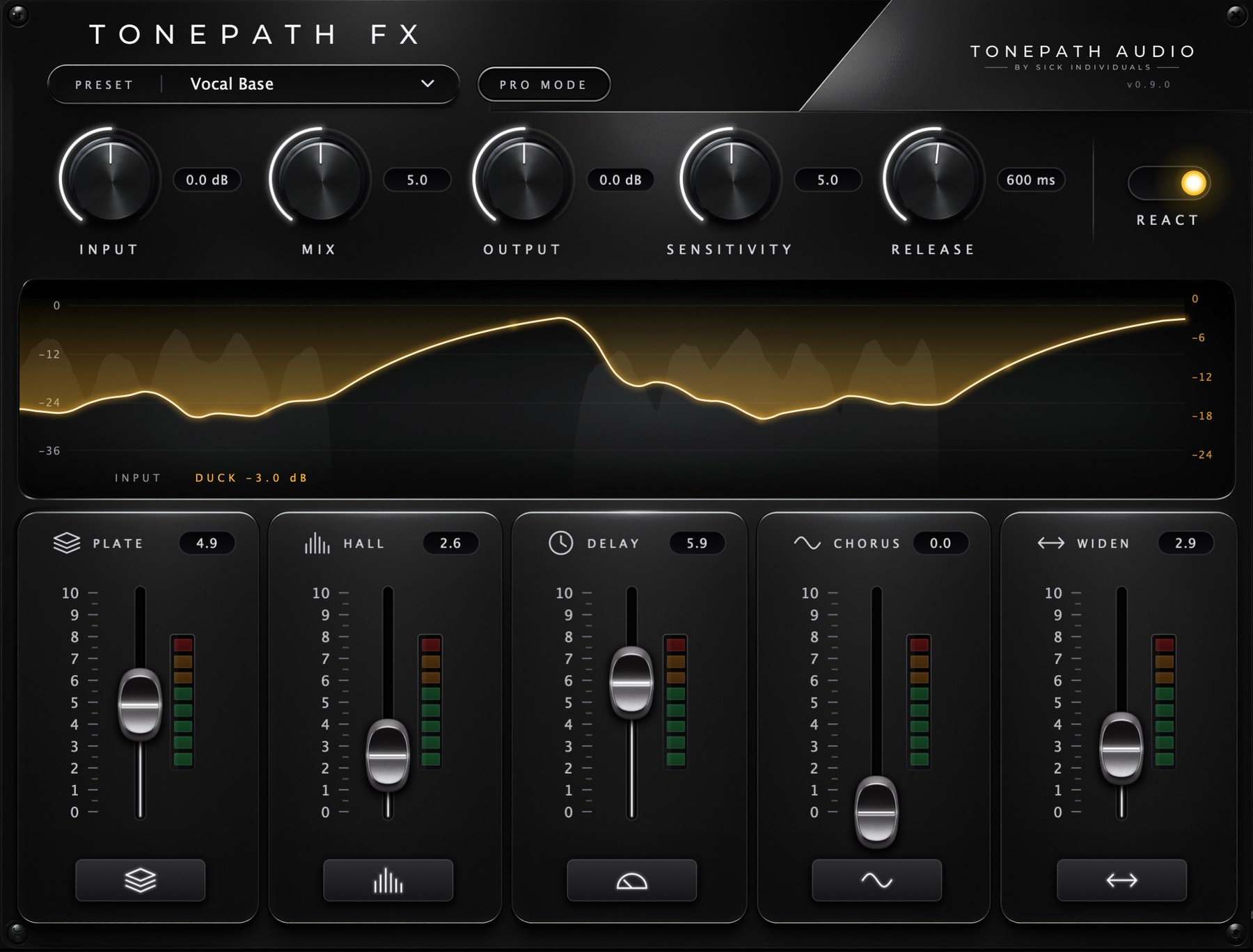
- Add TonePath FX as an effect on a track in your DAW.
- Open the plugin, click the TONEPATH AUDIO logo at the top right and log in with your TonePath Audio account. You need to have bought TonePath FX on that account (€85, one time).
You can try TonePath FX for 14 days before you log in. After that you need a licence. Licences go on sale soon (€85, VAT included); one account works on up to three Macs.